When I was in college, my Mom and Dad bought me what I now affectionately call “The Bag-o-Phone.” This thing was enormous, plugged into my car and was to be used ONLY in case of emergencies. It was a few years later that I actually bought a cell phone that didn’t have to be plugged in! Man, what a long way technology has come!
Sometime last year, I decided to take another leap and join the trend of receiving emails on my phone and being able to surf the Net on the go. I currently own a Verizon Blackberry Curve which, I will admit, is addictive. However, after seeing my friends easily surf the Web with their touch phones, I started to wonder if that type of phone would better suit my lifestyle. Reluctant to take the leap and abandon my Blackberry, I resisted….until now!
I was lucky enough to be chosen as a Verizon Palm Pre Plus Mommy Blogger and have been given the opportunity to test out the touch phone and put it through the paces of a working Mom on the go! Through March 31st, I will but the Verizon Palm Pre Plus through the obstacle course that is my life and report to you the results in a series of eight posts.
A few days ago, I purchased the phone with gift cards sent to me by Verizon. The employees at Verizon were helpful in giving me a basic tutorial on the phone as well as setting up my email accounts and importing my contacts. In just under 30 minutes, I was set loose with my new toy.
It’s all about first impressions, isn’t it? When I got home, I sat down with both the Verizon Palm Pre Plus and my old Blackberry and made a few comparisons:
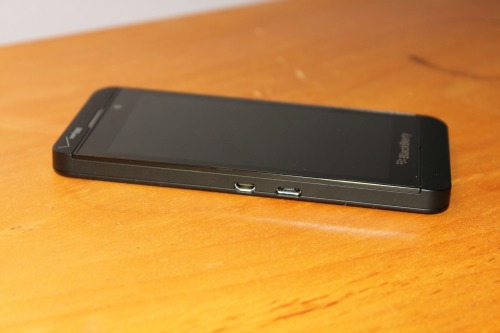
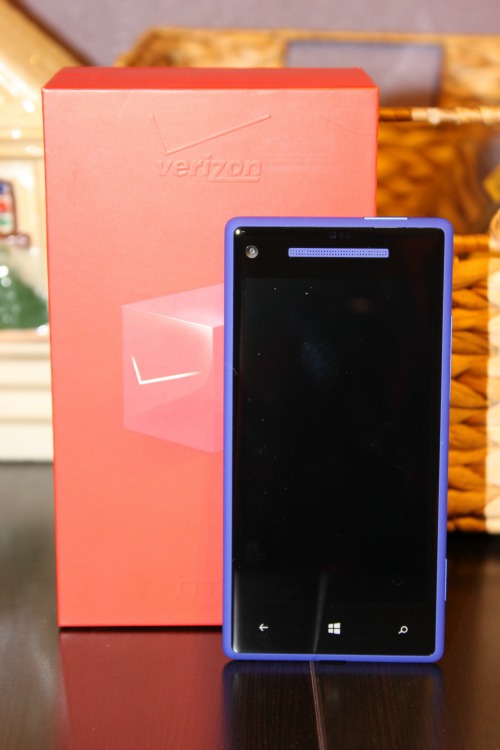
I like the look of the Palm Pre Plus. It has a very modern, sleek and compact design. The dimensions are smaller than the Blackberry but has a larger display screen making web pages easier to navigate. I find that the graphics and crispness of the images are also better on the Palm. The weight feels nearly the same, or at least I cannot tell much of a difference. However, I am finding it a bit harder to type on the keyboard of the Palm Pre Plus, but it may just be a learning curve.
I’m going to take a few more days to learn the workings of the Palm and all of the “gestures” necessary to navigate through it’s features. Stay tuned for my next post!